Returning your Xfinity modem sounds simple until surprise fees start showing up on your final bill. A missed step or forgotten device can cost you up to $150 per piece of equipment. Whether you’re canceling service, switching providers, or upgrading to newer gear, knowing how to return Xfinity modem equipment the right way protects your wallet and your credit. This guide breaks down exactly what to send back, where to drop it off, and how to keep proof so you walk away with zero penalties.
You’ll learn which items count, which to leave behind, the fastest drop-off method, and what to do if a device doesn’t appear in your online portal. Follow these steps and you can close out your Xfinity account with confidence.
Return Only the Required Equipment

What You Must Send Back
Xfinity requires just three items per device, nothing more:
- Main unit (your modem, gateway, or TV box)
- Power cord
- Remote control (if one came with the device)
That’s it. Cables, splitters, and wall-mounted wiring stay where they are.
What to Leave Behind
Skip these items entirely, even if they came from Xfinity:
- HDMI cables
- Ethernet cables
- Coaxial cables (including those stapled to baseboards or inside walls)
- Wall plates, splitters, and jacks
These are considered part of your home’s permanent setup. Tearing them out can damage your walls and won’t reduce your return obligation. Xfinity doesn’t expect them back.
Packaging the Right Way
You don’t need the original box. Any sturdy cardboard container works fine.
- Place the modem, power cord, and remote inside.
- Add padding like bubble wrap, crumpled newspaper, or packing paper.
- Seal the box tightly with tape.
The goal is simple: keep the device from shifting during transit. No fancy wrapping required.
Pick the Fastest Return Method
UPS Store Drop-Off (Top Recommendation)
This is the quickest and most reliable route for most people.
- Locate an authorized UPS Store (not a drop box or third-party shipping center).
- Walk in with your packaged equipment.
- Tell the associate, “This is an Xfinity equipment return.”
- They’ll scan the device on the spot and hand you a physical receipt.
Your account updates immediately, and you walk out with proof in hand. Staff can also help with packaging if your box isn’t ready.
Xfinity Retail Store Drop-Off
Perfect if an Xfinity store is nearby.
- Find a location at xfinity.com/stores.
- Schedule an appointment online or simply walk in.
- Hand the equipment directly to a store representative.
Important: Never leave equipment unattended at the counter. Only in-person handoffs to staff count as valid returns. You’ll receive a printed receipt before you leave.
Mail-In with Prepaid Label
Use this option if no stores are accessible.
Generate your label:
- Visit xfinity.com/returns and log in with your Xfinity ID.
- Select the modem you’re returning.
- Verify the serial number on your device matches the listing.
- Pick a return reason and confirm.
- Click “Print Shipping Label.”
Ship the package:
- Attach the label to your box.
- Keep the top portion with the tracking number. This is your receipt.
- Drop off at any UPS location or call 1-800-PICK-UPS to schedule a home pickup.
Processing takes up to two weeks, so plan ahead if you have a cancellation deadline.
Avoid These Costly Return Mistakes
Missing the Remote? Don’t Worry
Xfinity doesn’t penalize you for a lost, chewed, or broken remote. Their priority is the main unit and power cord. Ship back what you have and skip the rest.
Forgotten Devices Can Drain Your Wallet
Search closets, basements, garages, and old storage bins for any Xfinity gear you may have missed. A single forgotten modem triggers a $150 fee, and unreturned DVRs can add $200 to your bill.
Pro Tip: Use the Identify Device feature in the Digital Return Center if you’re unsure which TV box matches your account. It sends a signal to your TV showing exactly which device to unplug.
Device Not in the Portal?
Some equipment doesn’t show up online, especially older gear. Take it to a UPS Store or Xfinity retail location and ask staff to manually scan the serial number on the device. This forces it into the system and starts your return.
Know the Fee Schedule Before You Cancel
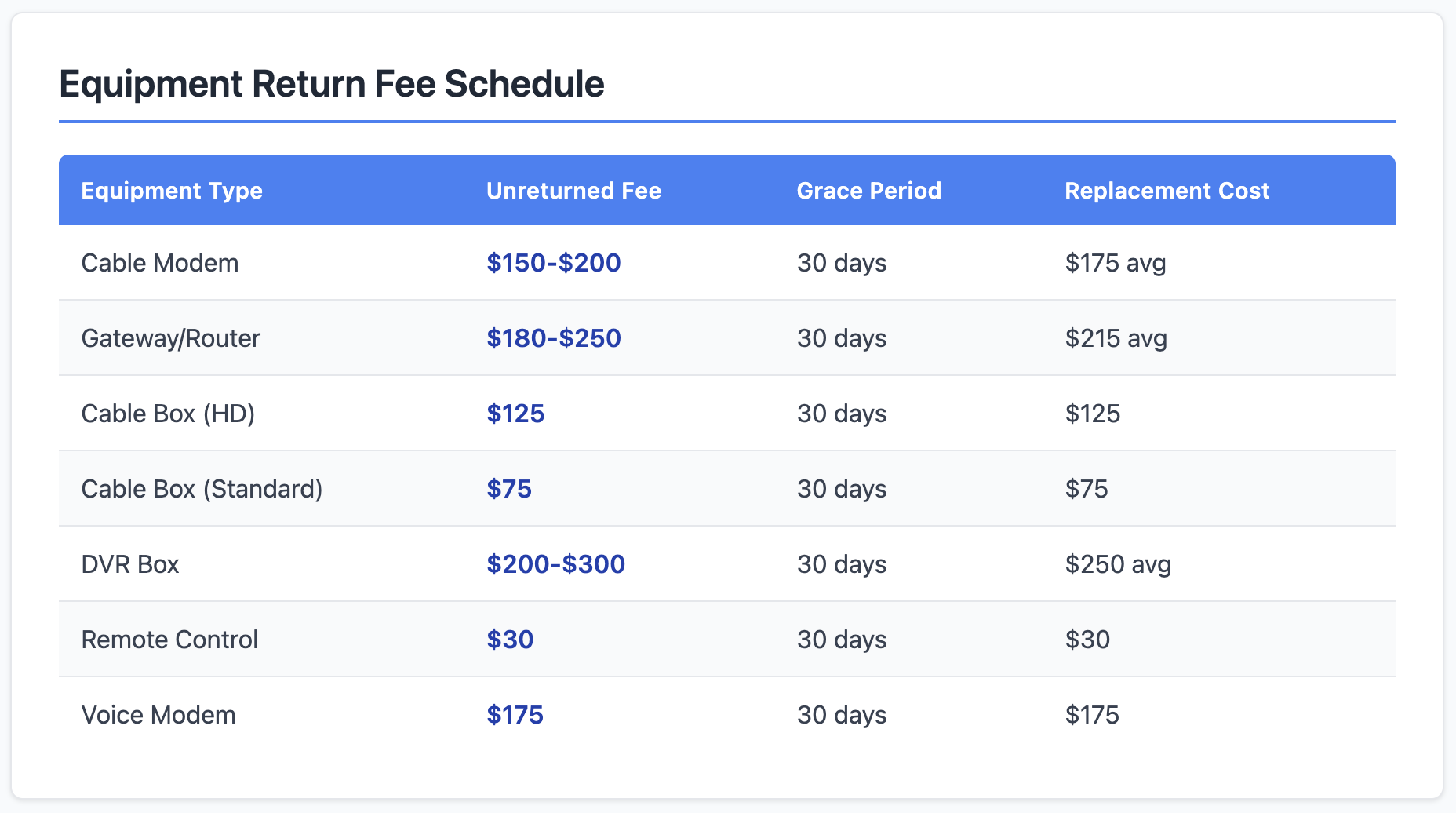
| Device | Unreturned Fee |
|---|---|
| X1 Gateway (modem) | $150 |
| X1 Cloud DVR | $200 |
| Standard TV Box | $120 |
| HDTV Adapter | $50 |
If you skip returning everything, the maximum potential bill reaches $480.
When Fees Hit Your Account
- Standard cancellations: fees apply within 10 to 30 days if equipment isn’t scanned.
- Non-payment disconnections: the fee hits the very next day.
The clock starts the moment you cancel. Don’t wait.
Already Charged? Return Anyway
If you see a fee on your bill but still have the equipment, return it immediately. Once Xfinity’s warehouse scans the device, the system automatically reverses the charge and credits your account.
Handle Specialty Equipment with Care
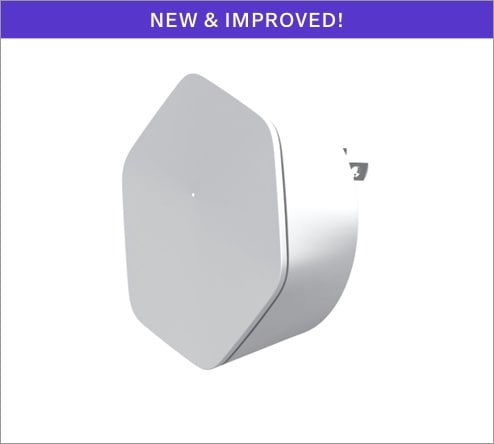
xFi Pods and Storm-Ready Wi-Fi Backup
These devices cannot be returned at UPS Stores. You must:
- Start the return in the Digital Return Center.
- Wait for Xfinity to email you a custom FedEx label.
- Print the label and ship via FedEx only.
Using the wrong carrier means your return won’t process.
Keep Proof of Return (Non-Negotiable)
Your Receipt Is Your Shield
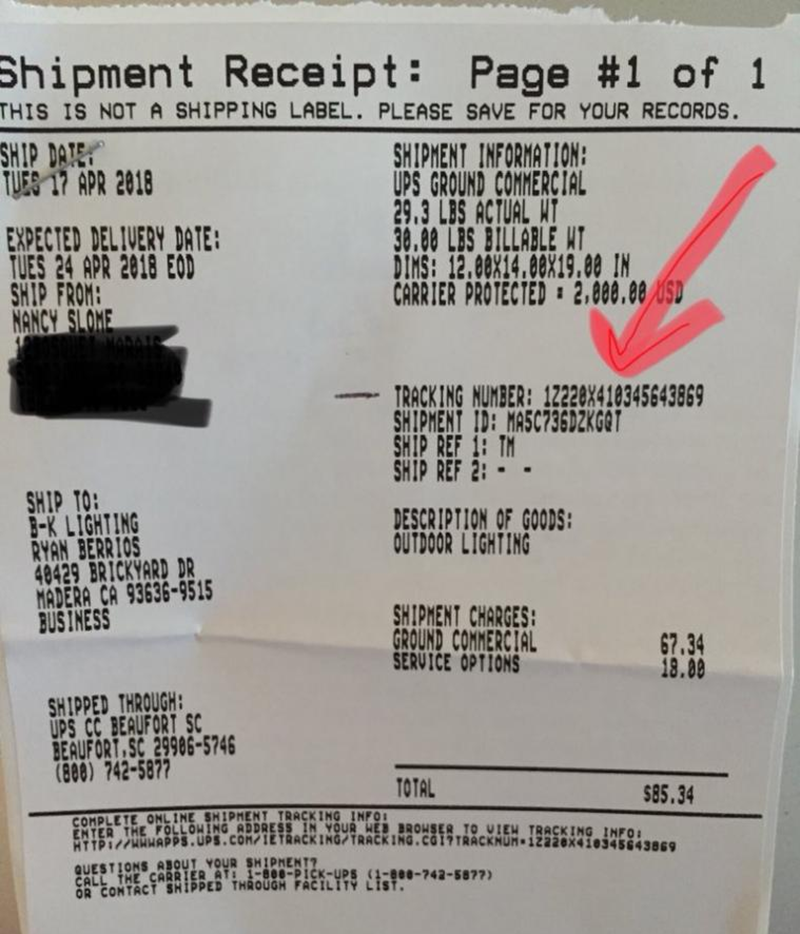
Warehouse delays and scanning errors happen. Your receipt is the only legal proof that you returned the equipment on time. Hold onto it for at least one year after your return.
Secure Your Documentation
- Photograph the receipt the moment you receive it.
- Email the photo to yourself or save it in cloud storage.
- Keep both digital and physical copies.
If Xfinity ever claims “no record,” your receipt overrides their system.
Choose the Best Strategy for Your Situation
UPS Store Wins for Speed and Security
- Immediate scan
- Physical receipt
- Free packaging assistance
- Account updates on the spot
For multiple devices, this method beats home pickup every time.
Home Pickup: Use with Caution
UPS charges $5 to $10 for home pickup, and the package may sit unscanned for days. Your tracking number is your only proof, so guard it carefully. This option works best for people with mobility challenges or no nearby stores.
After You Return: What Happens Next
- Allow up to two weeks for your account to reflect the return.
- Log into your Xfinity account to confirm the credit.
- If you were charged a fee, watch for an automatic reversal.
- Keep your receipt until your final bill is settled.
Moving Instead of Canceling?
If you’re relocating, you don’t need to return anything. Visit xfinity.com/moving, describe your move, and Xfinity will transfer your service to your new address.
Frequently Asked Questions About Returning Xfinity Modems
Do I Need to Return Cables to Xfinity?
No. HDMI, Ethernet, and coaxial cables stay with your home. Xfinity only requires the modem, power cord, and remote.
What Happens If I Return the Modem Late?
Xfinity charges up to $150 per unreturned modem. Fees apply within 10 to 30 days of cancellation, or the next day after a non-payment disconnection.
Can I Return a Modem Without the Remote?
Yes. Xfinity doesn’t charge for missing remotes. Return the main unit and power cord, and you’re covered.
Where Is the Best Place to Drop Off an Xfinity Modem?
An authorized UPS Store offers the fastest processing and an immediate physical receipt. Xfinity retail stores work well too if you live near one.
What If My Device Doesn’t Show Up in the Return Portal?
Take it to a UPS Store or Xfinity retail location. Staff can manually scan the serial number and push it into the system.
How Long Does It Take for My Return to Appear on My Account?
In-person returns process immediately. Mail-in returns take up to two weeks to show up online.
Key Takeaways for Returning Your Xfinity Modem
Returning your Xfinity modem is straightforward when you stick to the essentials. Send back only the main unit, power cord, and remote, and skip the cables entirely. Use an authorized UPS Store for the fastest scan and a physical receipt. Most importantly, keep that receipt for at least a year—it’s your proof if anything goes wrong.
Ready to start? Gather your equipment, package it securely, and head to your nearest UPS Store today. Walk in, hand over the modem, and walk out with zero fees hanging over your account.