If you’re canceling, downgrading, or moving out of your Spectrum service, returning your modem correctly is essential. Failing to do so can trigger unexpected fees up to $300, damage your credit, or block future service. The good news? Returning your Spectrum modem doesn’t have to be stressful if you follow the right steps.
This guide walks you through every detail: what to return, how to ship it safely, and how to confirm it’s off your account. You’ll also learn critical exceptions (like fiber modems that stay behind) and how to avoid common pitfalls that cost others hundreds.
Know Your Return Deadline for Your Spectrum Modem
Time is critical when returning Spectrum equipment. The countdown starts the day you cancel, downgrade, or move.
Standard vs. Mobile Device Deadlines
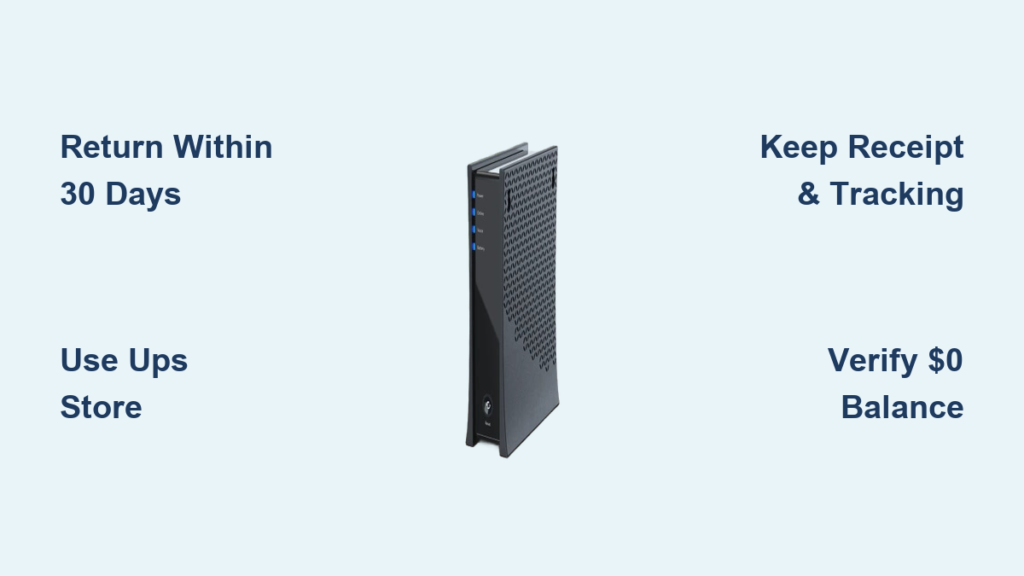
- Modems, routers, cable boxes, Xumo boxes: 30 days
- Smartphones, tablets, Apple devices: 14 days
Miss the window, and Spectrum may charge full replacement costs, even years later. Real users report being billed for gear from past addresses they no longer occupy.
Act fast: Late returns lead to account delinquency, collections, and service blacklisting.
What Equipment Must Be Returned

Returning the wrong items, or leaving behind what should go, can trigger fees. Here is exactly what Spectrum expects back.
Return These Items
- Modems and routers (with power cords)
- Cable receivers and set-top boxes
- Xumo Stream Boxes
- Leased mobile phones and tablets
Keep These Items
- Remote controls
- HDMI cables
- Coaxial cables
Pro Tip: Label your cables before disconnecting. It saves time during setup at your next location.
Fiber Modem Exception: Do Not Remove
If you have a Sagemcom fiber modem, do not unplug or take it. This unit is permanently installed and legally stays with the property. Removing it can result in a $300 fee and service violations.
Prepare Devices for Return
Returning equipment isn’t just about shipping boxes. It’s about preparing devices properly, especially mobile gear.
Factory Reset Mobile Devices
Before returning a phone or tablet:
1. Back up your data (photos, contacts, apps)
2. Turn off Find My iPhone (iOS) or Find My Device (Android)
3. Erase all content and settings
4. Remove the SIM card
Skipping reset steps results in automatic charge for full device replacement.
Apple TV Shrink Wrap Rule
If returning an Apple TV leased through Spectrum:
– Shrink wrap must be intact
– Any tear or tampering voids eligibility for refund
This strict rule catches many off guard. Handle with care.
Authorized Return Methods Only

Spectrum does not accept returns via USPS, private couriers, or drop boxes. Use only these approved options.
UPS Store: Best Option
- Free packaging and shipping
- Walk in with ID and equipment
- Staff handles labeling and tracking
- Most reliable and widely used
No cost, no hassle: Over 5,000 locations nationwide.
Spectrum Store Drop-Off
- Visit a company-owned retail location
- Bring photo ID and all equipment
- Get immediate confirmation of receipt
Check hours first: Not all locations accept returns. Use the Spectrum Store Locator to verify availability.
FedEx with Prepaid Label
- Only allowed with a pre-printed return label
- Must use a sturdy box, no envelopes or reused packaging
- Do not use FedEx drop boxes; they don’t cover damage or loss
Risk alert: Untracked FedEx drops mean no proof of delivery.
Home Shipment Kit (For Accessibility)
Call 833-224-6603 to request a free return kit shipped to your door. The kit includes:
– Pre-labeled box
– Packaging materials
– Step-by-step instructions
This option is ideal for seniors, disabled users, or those without local access.
Ship Smart: Avoid Damage & Loss
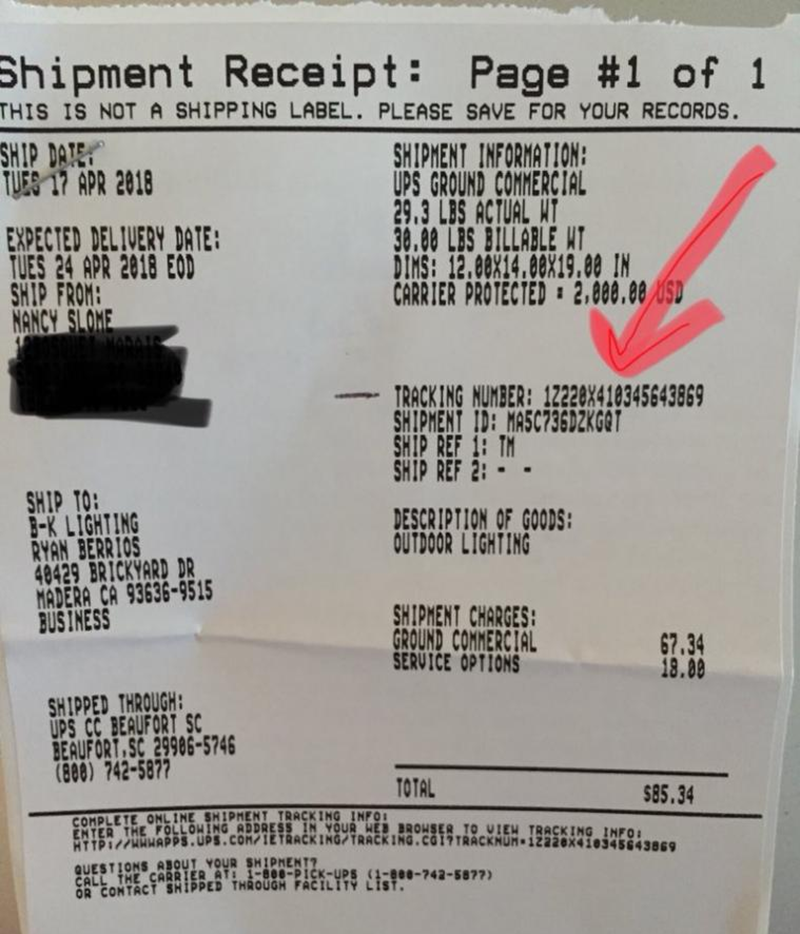
Even with the right method, mistakes happen. Protect yourself with these steps.
Always Get a Receipt
- Physical or digital, but keep it
- This is your only proof of return
- Without it, lost packages become your liability
Track Until Delivery
- Monitor tracking online
- Wait for “Delivered” status
- Save screenshots in case of disputes
Never assume: A shipped package isn’t a returned one until confirmed.
Confirm Your Spectrum Modem Return on Your Account
Returning the box isn’t the final step. You must verify Spectrum has cleared your account.
4-Step Verification Process
- Save your receipt and tracking number
- Wait for delivery confirmation
- Check your next bill for equipment charges
- Call 855-757-6603 to confirm $0 owed
Ask for a case number when you call. It creates a paper trail.
Dispute Wrong Charges
If fees appear after return:
– Submit receipt + tracking proof
– Request a billing adjustment
– Escalate to a supervisor if denied
Still unresolved? File a complaint with your state public service commission.
Fix Common Return Problems
Even careful users face issues. Here is how to resolve them fast.
Unexpected Equipment Fee?
- Solution: Send proof of return to Spectrum via:
- Online chat
- Email (with tracking)
- In-store drop-off with receipt
- Escalate quickly; don’t wait for the next bill cycle.
Lost or Damaged Device?
- Call 855-757-6603 immediately
- Report it as lost/stolen
- Proactive reporting may reduce or waive fees
Delay means full liability.
Restocking Fee on Mobile Devices?
- Standard $50 restocking fee applies
- Exception: Hawaii residents pay $0
Check your state policy before return.
“Unreturned” Equipment Claim?
- Provide tracking + receipt
- Request account audit
- If denied, escalate to:
- Spectrum Executive Resolution Team
- State utility commission
Document everything: Dates, names, case numbers.
Stay Updated on Policy Changes
Spectrum updates return rules without broad notice. Always double-check before you return.
Verify Before You Return
- Current return window (14 vs. 30 days)
- Local store availability
- Device-specific rules (e.g., new models)
Best source: Call 855-757-6603 or visit Spectrum’s official return page.
Never rely on outdated blog posts or third-party advice.
Frequently Asked Questions About Returning Your Spectrum Modem
What happens if I don’t return my Spectrum modem?
You will be charged the full replacement cost, which can be up to $300. Unreturned equipment can also lead to account delinquency, collections, and disqualification from future Spectrum service.
Can I return my Spectrum modem to any UPS Store?
Yes. Any UPS Store location can process your Spectrum modem return for free. Bring photo ID and all equipment, including power cords. Staff will handle packaging and provide a receipt.
Do I need to return the power cord with my modem?
Yes. Spectrum requires you to return the modem along with its original power cord. Missing accessories may result in partial charges or denied returns.
What do I do if my Spectrum modem return is lost in transit?
Contact Spectrum immediately at 855-757-6603 with your tracking number and receipt. Without proof of shipment, you may be held liable for the full replacement cost, so always save and document everything.
Can I keep my Spectrum modem instead of returning it?
No. Spectrum modems are leased, not sold. Keeping the equipment without authorization is considered theft and will result in charges, potential collection actions, and possible service blacklisting.
How long do I have to return my Spectrum modem after canceling?
You have 30 days from the date of cancellation, downgrade, or move-out to return your modem. Returning it within this window is the only way to avoid replacement fees.
Key Takeaways for Returning Your Spectrum Modem
Returning your Spectrum modem correctly takes less than an hour, but skipping steps can cost hundreds. Use only authorized return channels, keep your receipt and tracking number, and verify your account shows a $0 balance before walking away.
Stick to UPS Stores, Spectrum retail locations, FedEx with prepaid labels, or the home shipment kit. Avoid USPS, private couriers, and unapproved drop boxes at all costs.
Your next step: gather your modem and power cord, choose the return method that fits your situation, and complete the process before your 30-day window closes.