Your business relies on seamless communication and secure data sharing to function effectively every single day. The right device among the many types of routers ensures your network stays fast and reliable.
This guide explains how wired, wireless, edge, core, and virtual routers work for your specific needs. You will learn to pick the perfect hardware to boost productivity and support your company growth.
Wired vs Wireless Routers for Small Offices

The first decision involves choosing between physical cables or radio waves for your connection. Each option offers distinct advantages depending on your office layout and device usage.
How Wired Routers Create Stable LANs
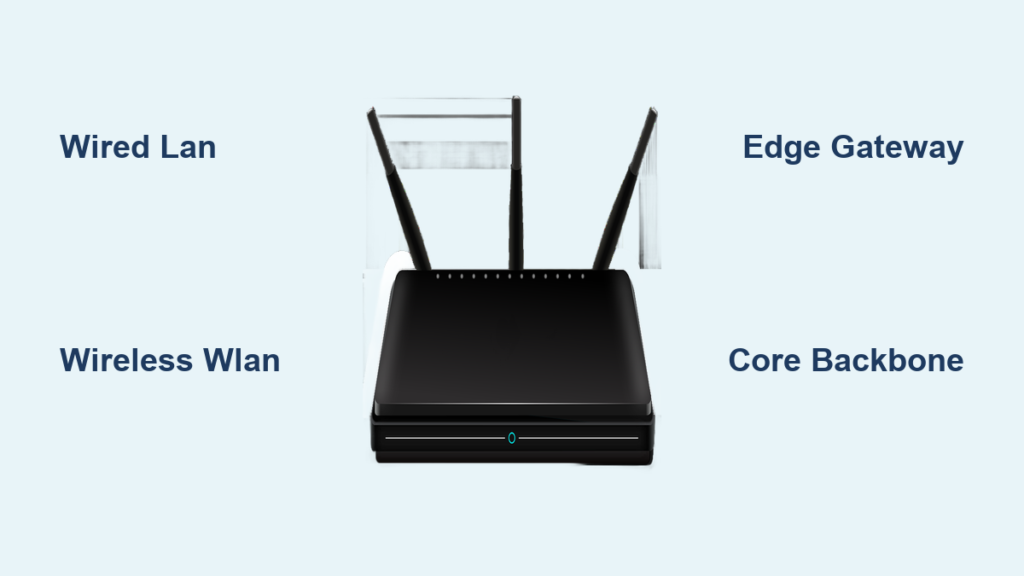
Wired routers connect devices like computers and printers using Ethernet cables. They build a wired local area network (LAN) that provides consistent speeds without signal interference. This setup is ideal for stationary workstations where maximum reliability matters most. Data travels through physical lines to reduce latency and prevent external eavesdropping.
Benefits of Wireless Routers for Mobility
Wireless routers use built-in antennas to broadcast Wi-Fi signals across your workspace. These devices create a wireless local area network (WLAN) that lets employees move freely with laptops and tablets. Small businesses often prefer this flexibility for easy setup and scalable device additions. Performance may fluctuate based on wall thickness or the number of connected gadgets.
Choosing Between Wired and Wireless Options
Select wired solutions for bandwidth-heavy tasks like large file transfers or video editing suites. Wireless options excel in dynamic environments where staff move between meeting rooms frequently. Many successful businesses use a hybrid approach to balance speed with modern flexibility.
Edge Routers Connecting Your Network to ISPs

Edge routers sit at the very boundary of your internal system and the outside world. They manage all traffic entering or leaving your business premises.
Role in External Network Communication
Also called boundary routers, these devices direct data flow between your network and external entities. They typically connect directly to your Internet Service Provider (ISP) as the primary gateway. This position makes them critical for maintaining continuous access to global resources.
Key Features of Edge Routing Devices
Edge routers handle protocol translation so your internal systems talk to outside networks seamlessly. They support routing protocols like BGP to find the most efficient paths for your data packets. Many models include basic firewall capabilities to filter traffic and block immediate external threats.
Where Businesses Deploy Edge Routers
Small offices might use a single unit to link up with the internet provider efficiently. Larger companies often deploy multiple edge routers for redundancy and better load balancing. Retail chains use them in every store to send sales data back to corporate headquarters securely.
Core Routers as the Enterprise Network Backbone

Core routers act as the central hub for massive data movement within large organizations. They focus entirely on internal speed rather than external connections.
Internal Data Distribution Functions
Unlike edge models, core routers operate strictly within a network to move traffic between departments. They do not interface with external networks or ISPs directly. Their main job is ensuring fast data transfer across the entire internal infrastructure backbone.
High-Performance Design Specifications
These routers are built for extreme speed and massive capacity requirements. They process millions of data packets per second to support data centers or large campuses. Advanced Quality of Service features prioritize mission-critical traffic like financial transactions or VoIP calls.
Ideal Use Cases for Core Routing
Multinational corporations and cloud service providers rely on these for heavy internal data usage. Universities use them to manage traffic between thousands of students and faculty members simultaneously. Small offices rarely need them unless planning for significant future expansion and scaling.
Virtual Routers Offering Software Flexibility
Virtual routers are software-based solutions that mimic physical hardware functions. They provide agility for modern cloud-centric business environments.
How Virtual Routers Operate in Cloud
A virtual router runs as an application on a server instead of a standalone box. It routes traffic between virtual machines or remote offices using host system resources. Despite lacking physical form, it performs essential tasks like packet forwarding and IP addressing.
Advantages Over Physical Router Hardware
The biggest benefit is scalability since you can add new instances without buying more boxes. They deploy faster than hardware, which helps when setting up temporary or remote branch networks. Software updates and configuration changes happen automatically to reduce IT management overhead.
Common Deployment Scenarios for Virtual Units
Cloud computing environments and hybrid networks use these extensively for flexible architecture. A company opening a pop-up shop can establish connectivity by deploying a unit in the cloud. They are also key components in Software-Defined Wide Area Networking setups.
Choosing the Right Router for Your Business

Selecting the correct type of router depends on your specific size and long-term goals. Careful planning ensures your infrastructure supports current and future operations.
Assess Your Network Size and Needs
Small businesses with fewer than ten employees may only need a basic wireless unit. Medium companies with multiple departments should consider edge routers for external links. Large enterprises require both core and edge models to manage complex internal and external traffic.
Consider Security and Performance Requirements
All routers need robust security, but edge and core models often include advanced features. Look for access control lists, intrusion detection, and encryption for sensitive financial data. Prioritize models with regular firmware updates to protect against evolving cyber threats.
Plan for Growth and Integration Capabilities
Choose routers that integrate well with your existing systems and scale as you expand. Virtual routers offer the most flexibility for rapid changes in business scope. Hybrid setups provide a balance of high performance and adaptability for growing teams.
Look for Future-Ready Features in Models
Modern routers increasingly support dual-band Wi-Fi and AI-powered traffic optimization. Ensure your choice handles increased bandwidth if you plan to adopt more IoT devices. Video conferencing and cloud applications demand higher throughput than older standards provide.
Common Mistakes to Avoid When Selecting Routers
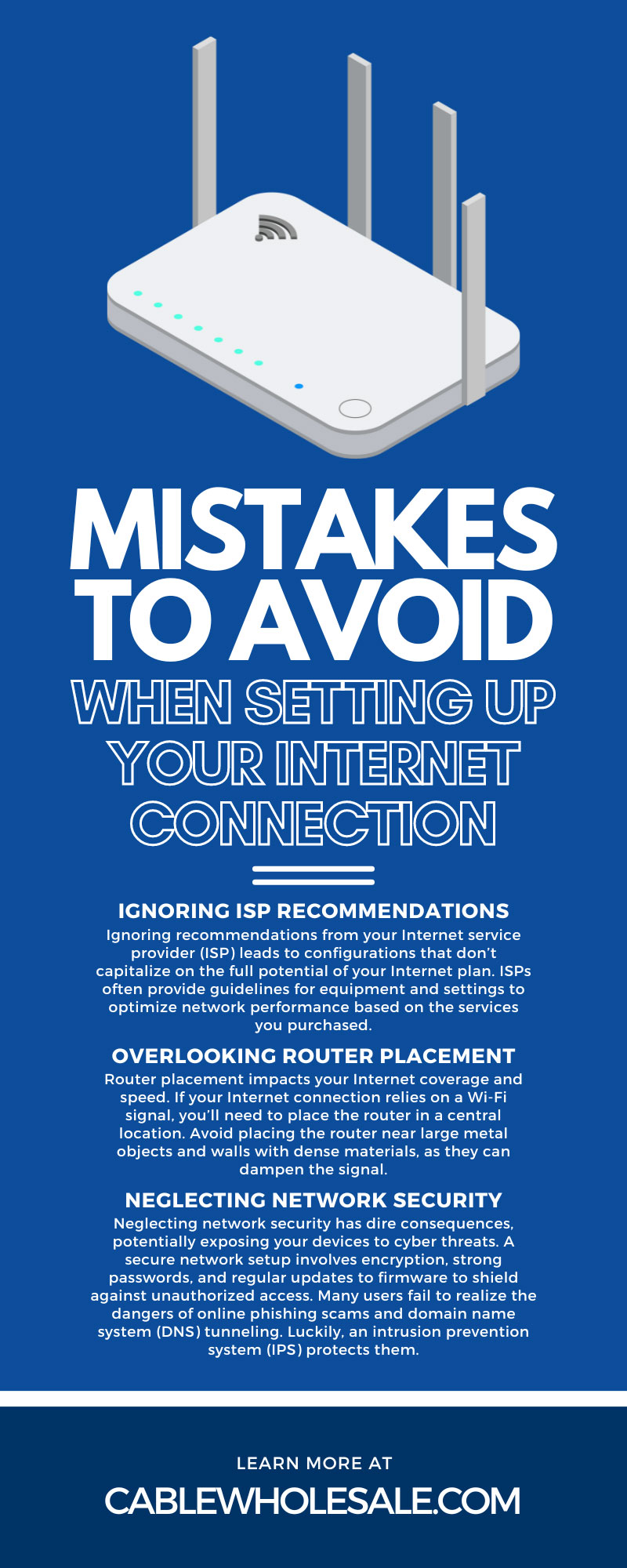
Choosing the wrong equipment leads to poor performance and unnecessary security gaps. Avoid these common pitfalls to save money and frustration later.
Ignoring Bandwidth Requirements
Underestimating your data needs results in slow networks during busy business hours. Always calculate total expected usage for video calls and cloud backups before buying. Select a model that handles peak loads without slowing down critical operations.
Overlooking Remote Work Needs
Failing to support secure remote access is a major oversight in today’s hybrid work world. Virtual routers or models with VPN support help bridge office and home networks securely. Ensure your team can work safely from any location without compromising data.
Skipping Redundancy Planning
Relying on a single router increases your risk of total downtime during failures. Consider redundant edge routers or failover systems for mission-critical operations. Maintaining connectivity during outages keeps your business running when problems occur.
Frequently Asked Questions About Types of Routers
What are the main types of routers for business use?
The primary categories include wired, wireless, edge, core, and virtual routers. Each serves a specific purpose ranging from internal data distribution to external internet connectivity.
How do edge routers differ from core routers?
Edge routers connect your network to external sources like ISPs at the boundary. Core routers operate strictly within the network to move massive amounts of internal data quickly.
Can virtual routers replace physical hardware completely?
Virtual routers offer great flexibility and scalability but rely on underlying server hardware. They are excellent for cloud environments but may not suit every physical infrastructure need.
Why do small businesses need specific router types?
Small businesses need routers that match their size to ensure efficient resource use and cost savings. The right choice improves productivity, security, and customer service responsiveness significantly.
How do routers improve business productivity?
Routers enable sharing of applications, improve access to information, and support voice or video tools. They reduce operating costs by allowing shared access to printers and servers across the network.
Key Takeaways for Selecting Types of Routers
Understanding the different types of routers helps you build a network that grows with your business. Whether you need the stability of wired connections or the flexibility of virtual solutions, the right choice drives success.
Evaluate your current size, security needs, and future goals before making a purchase. Invest in quality hardware or software that ensures your data moves efficiently and securely today.